

TLS Manager Plugin for OIE
Enterprise-grade TLS security for Open Integration Engine — open source and community-contributed.
Supported Connectors
The plugin replaces the standard HTTP, Web Service, and TCP connectors with TLS-capable counterparts. Existing channels continue to function without modification.
HTTP
HTTP Senders and Listeners with full TLS configuration.
Web Service
Web Service Senders and Listeners secured with TLS.
TCP
TCP Senders and Listeners — operable in client or server mode.
Key Capabilities
Mutual TLS (mTLS)
Both senders and listeners can require client certificate authentication, ensuring both ends of every connection are verified.
CRL & OCSP Validation
Certificate revocation checking via CRL and OCSP, with configurable strict-fail mode to reject connections when revocation status cannot be confirmed.
Subject DN Validation
Validate the Distinguished Name of peer certificates to enforce fine-grained identity policies on incoming and outgoing connections.
Hostname Validation
Enforce that peer certificate hostnames match the connection endpoint, preventing certificate reuse attacks.
Cipher Suite Control
Whitelist the exact cipher suites your security policy permits per connector, removing insecure defaults.
TLS Version Control
Restrict connections to specific TLS versions (e.g. TLS 1.2, TLS 1.3) on a per-connector basis.
Connection Testing
Built-in facility to test and validate TLS connections without needing to deploy or run a channel.
API-First Certificate Management
All certificate and configuration operations are exposed via API calls, enabling automation and integration with your existing workflows.
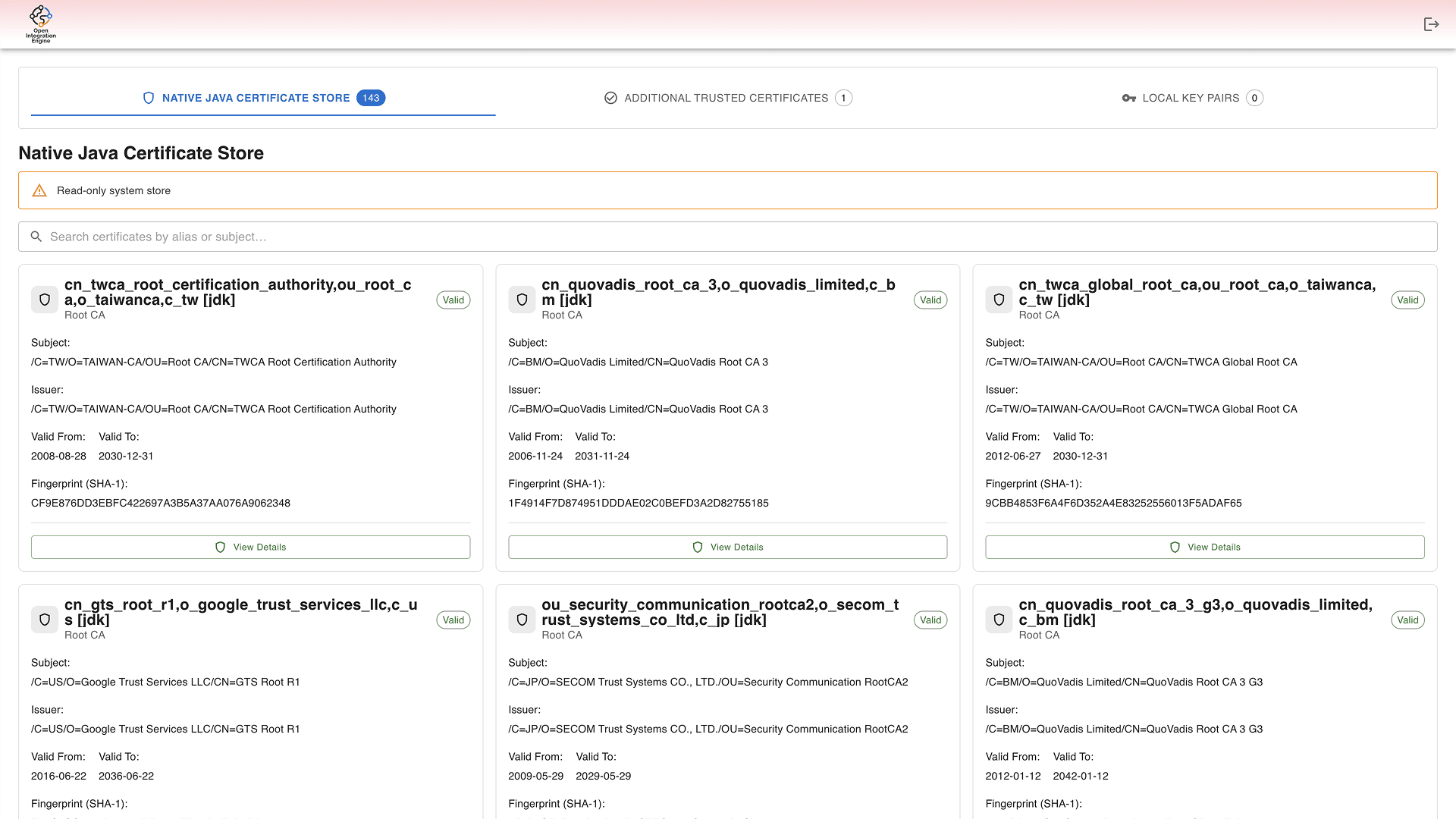
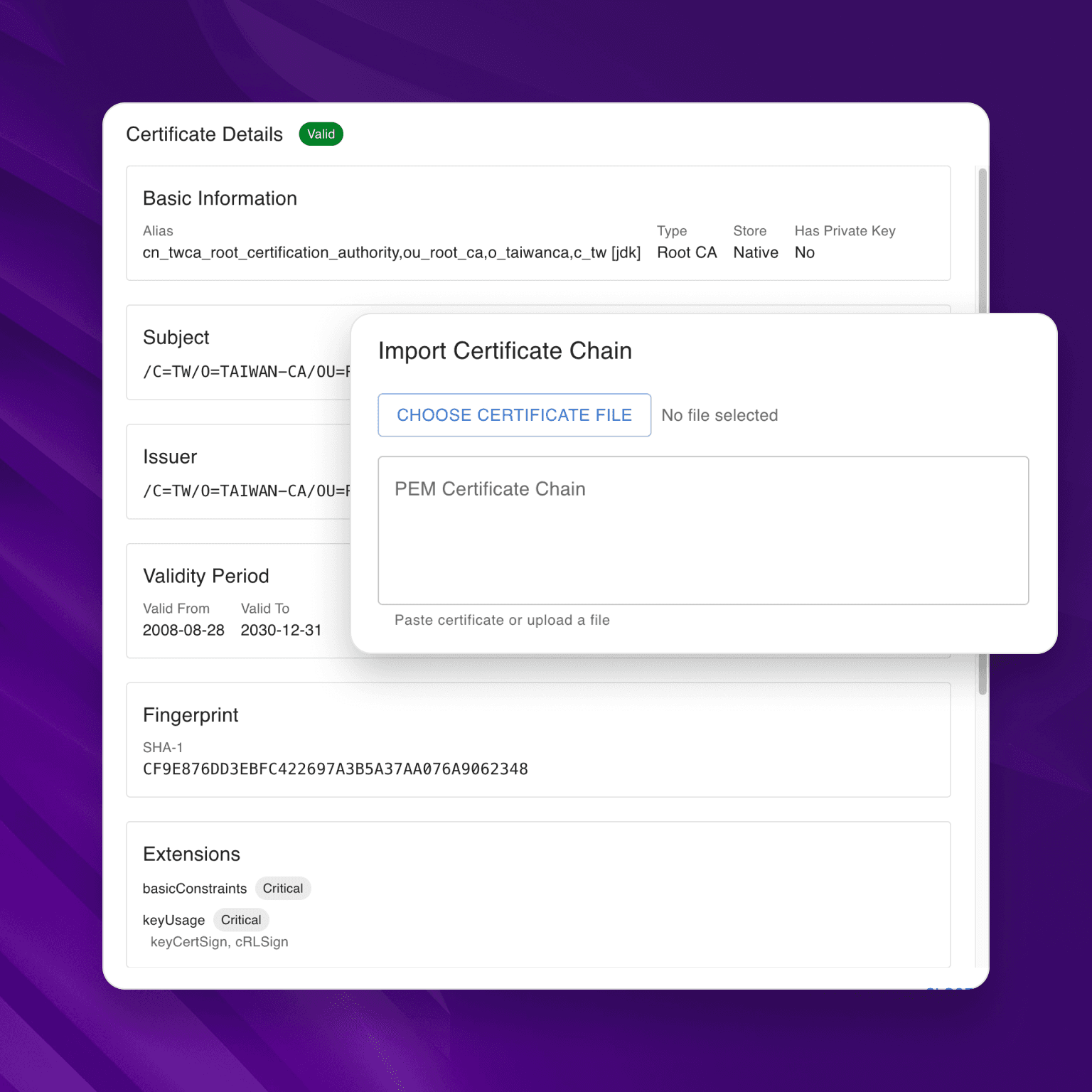
Web-based Certificate Manager
Manage all your certificates in one place
- View trusted certificates in the OIE truststore and Java default trust store
- View and manage local key pairs
- Import trusted root and intermediate certificates from PEM file or URL
- Import key pairs from PEM file
- Edit certificate aliases
- Remove trusted certificates and key pairs
Requirements
- Java version
- Java 17 or later (required for both OIE and the Launcher)
- OIE version
- OIE 4.5.2 or any compatible product implementing the same API
- Certificate storage
- Stored in the OIE database (mirthdb) by default; file-based keystore available via environment variable